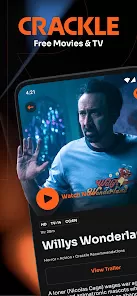
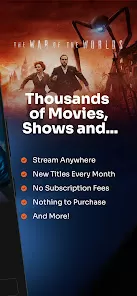
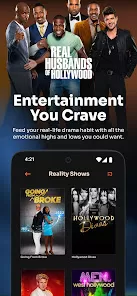
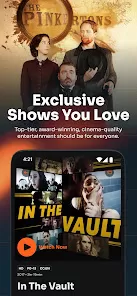
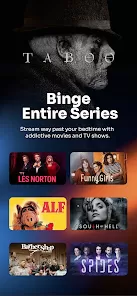
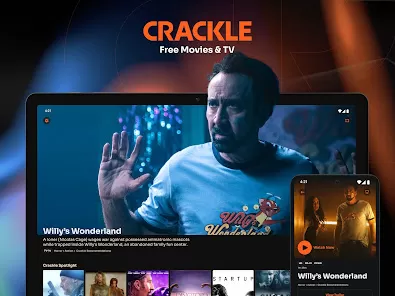
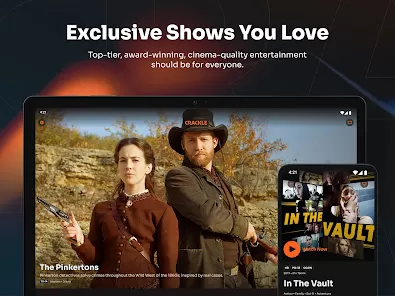
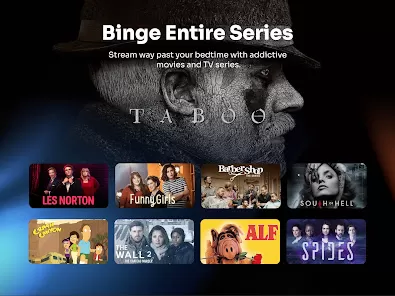
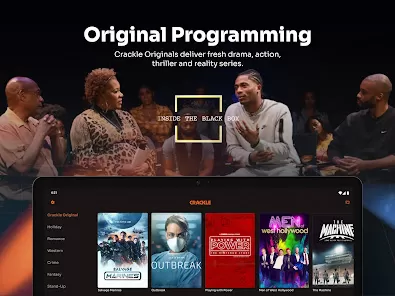
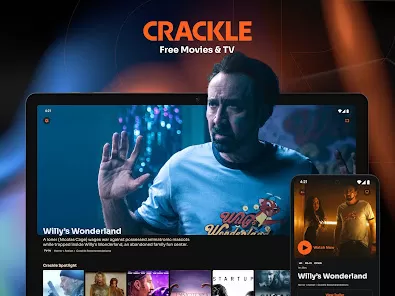
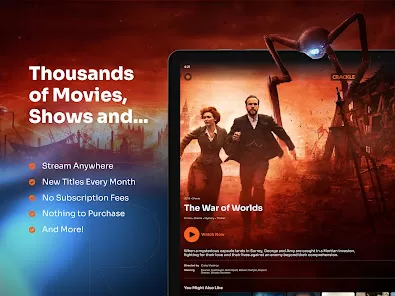
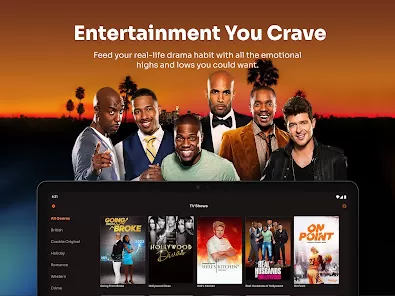
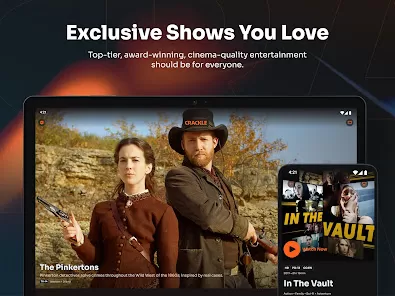
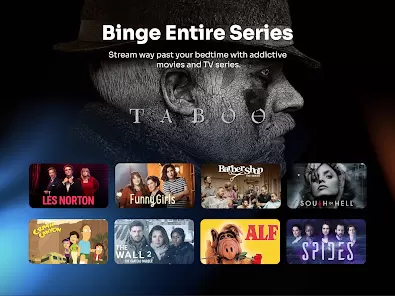
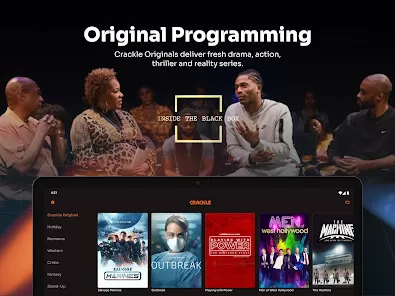
Crackle is a free, ad-supported streaming service offering a wide range of movies, TV shows, and original programming. Owned by Chicken Soup for the Soul Entertainment, Crackle provides viewers with on-demand access to a diverse content library without requiring a subscription. Available across multiple devices such as smart TVs, smartphones, tablets, and web browsers, Crackle aims to deliver entertainment conveniently and affordably. The platform is popular for its curated mix of classics, contemporary films, and exclusive originals, making it a solid choice for viewers seeking cost-free streaming options. While the service relies on advertisements to fund content, it ensures an accessible and user-friendly experience for audiences worldwide.
Pros & Cons
Pros
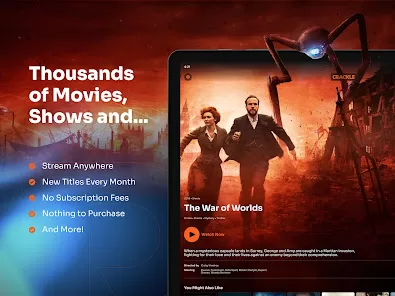
Free to Use: No subscription fees, making it accessible to a broad audience.
Wide Content Selection: Includes movies, TV shows, and exclusive original series.
Cross-Platform Support: Compatible with smart TVs, mobile devices, gaming consoles, and browsers.
No Account Needed: Users can watch content without mandatory registration.
User-Friendly Interface: Simple navigation and content discovery features.
Cons
Ad-Supported: Frequent ads interrupt viewing experience.
Limited Latest Releases: Lacks many recent blockbuster titles.
Regional Restrictions: Availability and content library vary by location.
No Offline Viewing: Downloads for offline playback are not supported.
Basic Search and Recommendation: Less sophisticated compared to premium streaming services.
Key Features
Free Streaming: Access a broad library of movies and TV shows at no cost.
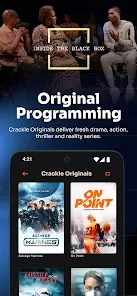
Original Content: Offers exclusive series and films produced specifically for Crackle.
Ad-Supported Model: Delivers content with commercial breaks to support free access.
Multi-Device Compatibility: Stream on smartphones, tablets, smart TVs, web browsers, and consoles.
Curated Playlists: Handpicked collections for genres, themes, and trending titles.
User Profiles: Create profiles to personalize watchlists and viewing preferences.
Functions
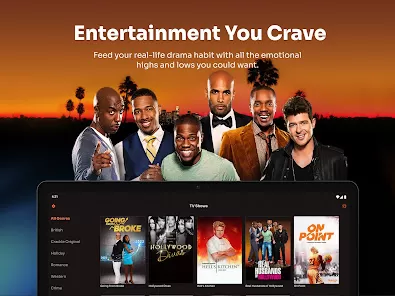
Content Browsing: Explore movies and shows by category, genre, or popularity.
Search Function: Find specific titles or actors quickly.
Watchlist Creation: Save favorite titles for easy access later.
Playback Controls: Pause, rewind, fast-forward, and adjust volume while streaming.
Resume Watching: Continue watching from where you left off on any device.
Ad Integration: View ads before and during content to support free streaming.
How to Use Crackle
Click the button "Check All Versions" below to download and install it.
Step 1 – Visit the Website or Download the App: Access Crackle via crackle.com or download the app from your device’s app store.
Step 2 – Optional Account Creation: Register for a free account to create watchlists and sync preferences across devices.
Step 3 – Browse or Search Content: Explore categories or use the search bar to find your preferred movies or shows.
Step 4 – Select a Title: Click or tap on a movie or show to view details and start streaming.
Step 5 – Watch with Ads: Enjoy free streaming with occasional ad breaks supporting the platform.
Step 6 – Manage Watchlist: Add titles to your watchlist for easy access later.
Step 7 – Switch Devices Seamlessly: Log in to your account on multiple devices to continue watching anytime.


 0
0